Create Icon Files from Images
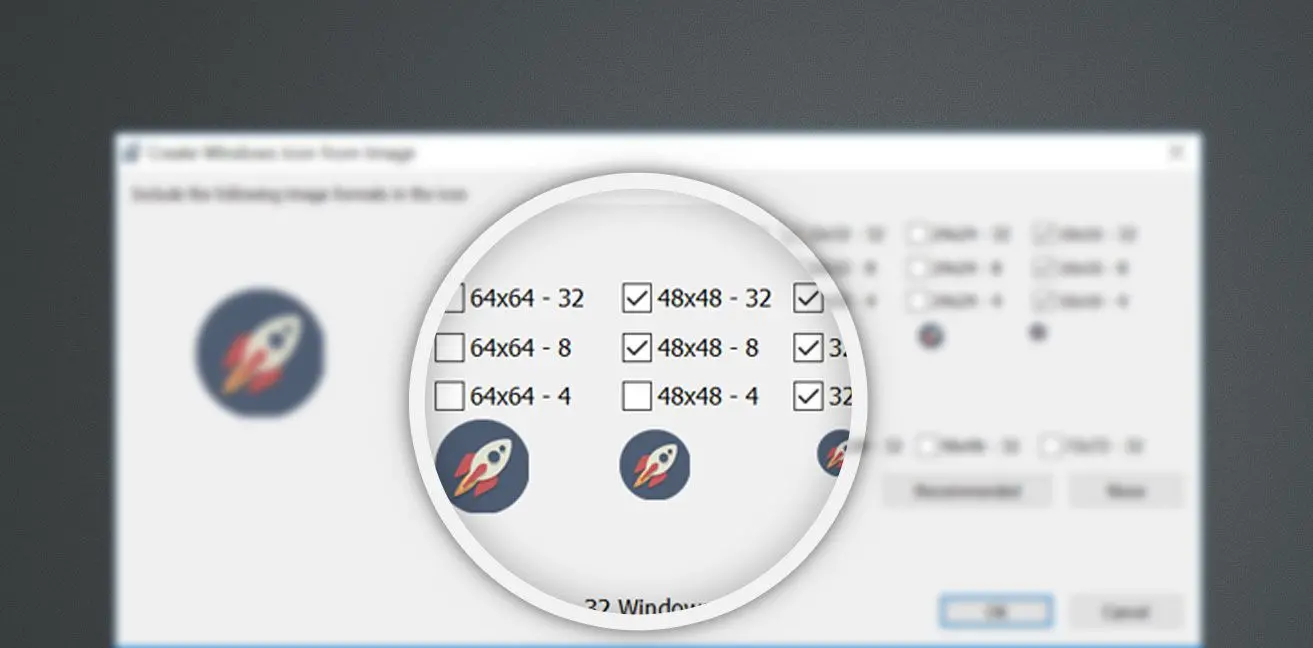
Your free icon maker download includes an easy-to-use file manager. It supports batch processing and many operations at once across large image sets. For example, you can build icons from a series of PNG files, or convert a folder of BMP and TIFF images to ICO in one batch. Icon Maker for PC also supports multi-format icons so your projects stay compatible across configurations.

Icon Maker for Windows, Android, and iOS
This program works with various icon libraries as an icon extractor. It supports popular image formats: JPEG, GIF, PNG, CUR, BMP, ICO, ANI, XPM, ICL, TIFF, and Photoshop files. A standout feature is the ability to create icons for multiple operating systems, including Windows, Android, and iOS.
Convert Images to Icons
Pick the operating system and the source image converts to the correct icon format. Convert JPEG to icon or PNG to icon in a few clicks. The app generates every Windows 11 icon size you need. You can use this icon design software to draw pixel art, animations, and other graphics, and convert JPG to ICO for Windows 11 or Windows 10.
Plenty of Options for Editing Icons
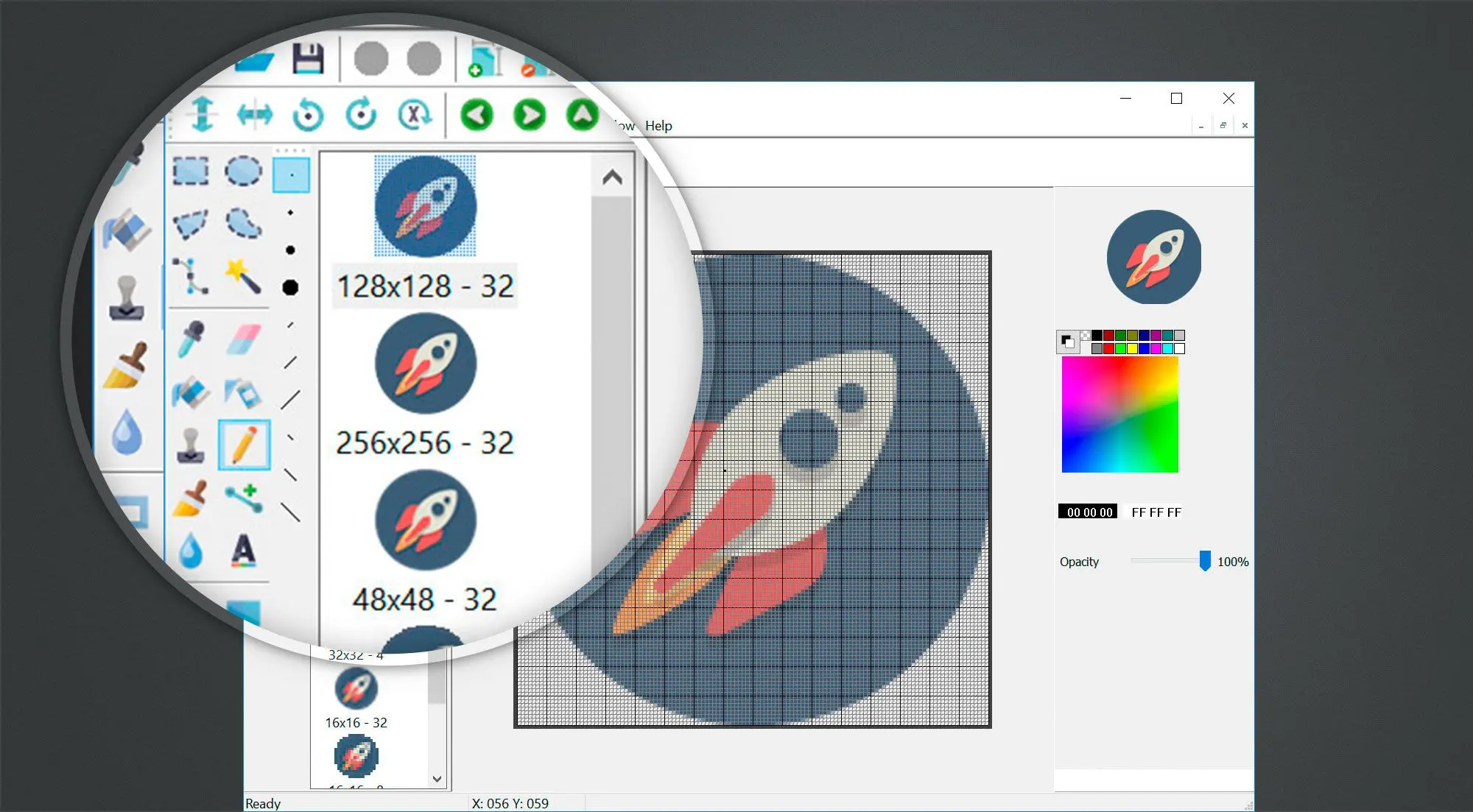
To process icons, you get graphic tools, a large library of palettes, and gradient fills for static objects, text, and animated images. Apply gradients or styles to monochrome filters that mimic a surface, then add blur or decorative effects to transform an icon. Rotate and mirror objects, add text, apply perspective, clone regions, and more.
Comprehensive Icon Editing
Convenient scaling, a preview window, and snapshot export in multiple formats make design and editing easier and help you spot what to refine. This Windows icon maker works well for beginners and professionals alike.
Drawing Cursor Graphics
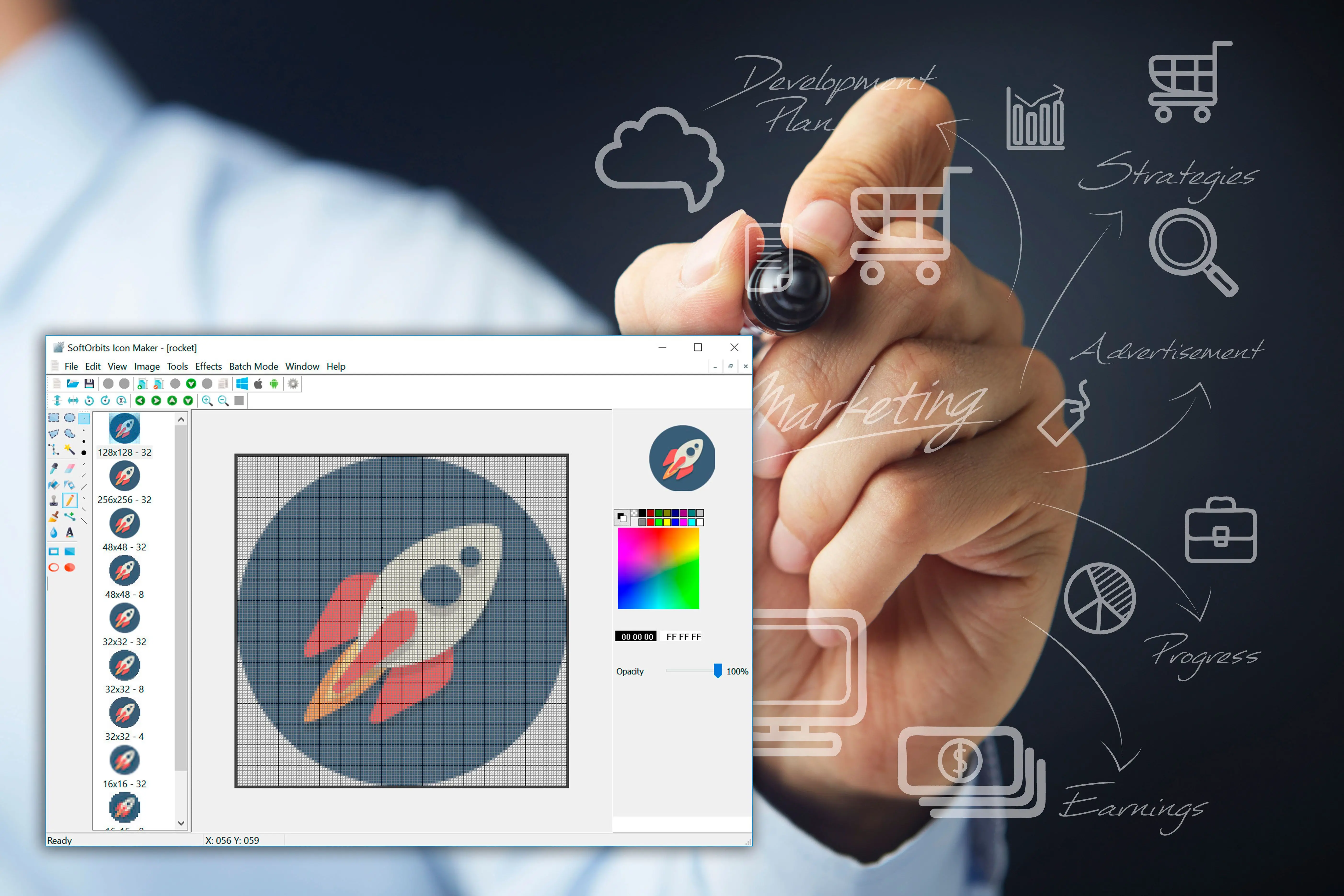
In addition to creating icons, SoftOrbits Icon Maker allows creating graphical processing cursors (.cur) for any operating system. If you combine cursor rendering with animation, you can easily see the result of your work in motion and get an idea of what it's going to look like after. A large selection of special effects, color correction functions, cropping, image animation effects is offered to work on cursors to make them vivid and catchy.
Icon Creator Download