Photo Background Remover Photo Background Remover
 

Background Remover for PC features automatic background detection, cut out subjects, add a smooth background image, and create a plain white backdrop so your photos stand out.

Stop Paying for Credits! Remove Backgrounds from Unlimited Photos. One-Time Purchase.

Automatic Photo Background Remover Software Free Download for PC

You can remove any background objects from your picture, including the following:

People Before.
People After.
Products Before.
Products After.
Animals Before.
Animals After.
Cars Before.
Cars After.
Logo Before.
Logo After.

Prepare Product Photos for Websites and Online Shops

When you refresh hundreds of listings, background remover software for PC keeps the look consistent. Clear the backdrop so the product stays the focus, listing after listing.

Make Your Images Clear

Clean product images, whether with natural or AI-generated backgrounds, can boost sales conversions by up to 300%.

Clean images background for online store.

Blown-Out White Background for Product Photos

Give your eBay, Etsy, and Amazon photos a clean white background so the product stands out. Bulk clipping handles a large catalog in one pass. Items look sharp and professional, and buyers notice the difference.

Make white background tranparent.
 Download for Free

Automatic Background Remover

Auto background remover software for PC delivers a clean cutout in seconds - no extra clicks. Let the AI handle the mask.
Additional features:
  • Detect and remove shadows
  • Remove the white background from clipart

Photo with solid background.
Photo with removed background.

Manual Background Eraser Tools

Use the background eraser to delete backgrounds or isolate people for a transparent cutout. See the options below:

Automatic Object Cut Out

Create people or object cutouts - hover and click to select the subject.

Picture after cutting out background 1.

Photo Background Changer

Different options for changing your background:

Change the background of Your Photo

Change the original background of your photo. Mark the subject, remove the background, then use the Add Background tool to drop in the one you want. The old backdrop is swapped for a new one in a couple of clicks.

Remove background on photo.

Edit Foreground Picture

SoftOrbits Background Remover for PC can rotate or zoom the foreground of the photo. Place the cut-out where you want it, then set its size and angle.

Change foreground picture.

How to Remove a Background from Photo Easily

Removing the background from your photos is simple. One-click AI removal does it automatically.

Try automatic background removal tool

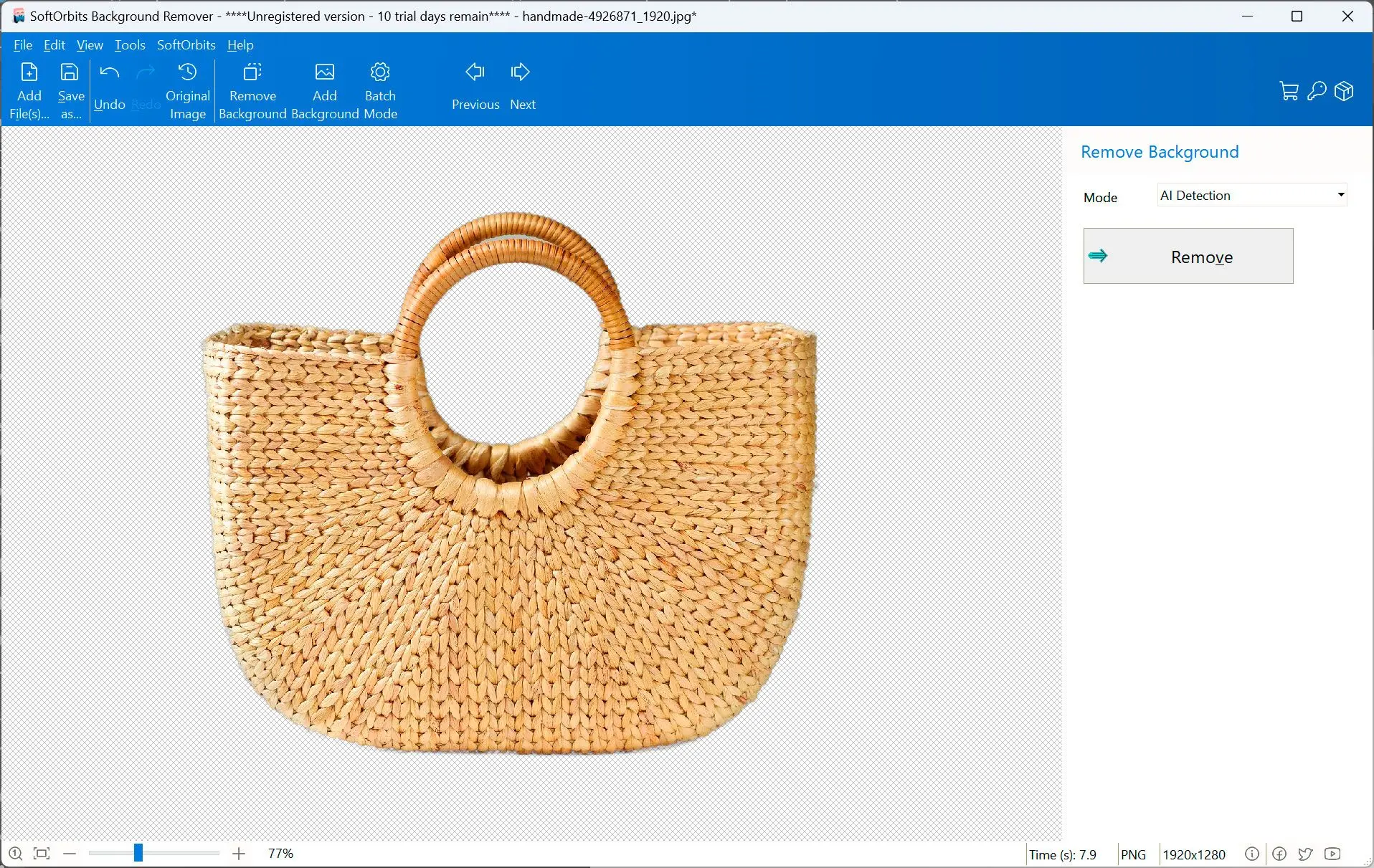
Just click the Remove button to remove background from images automatically.
Automatic background removal result.

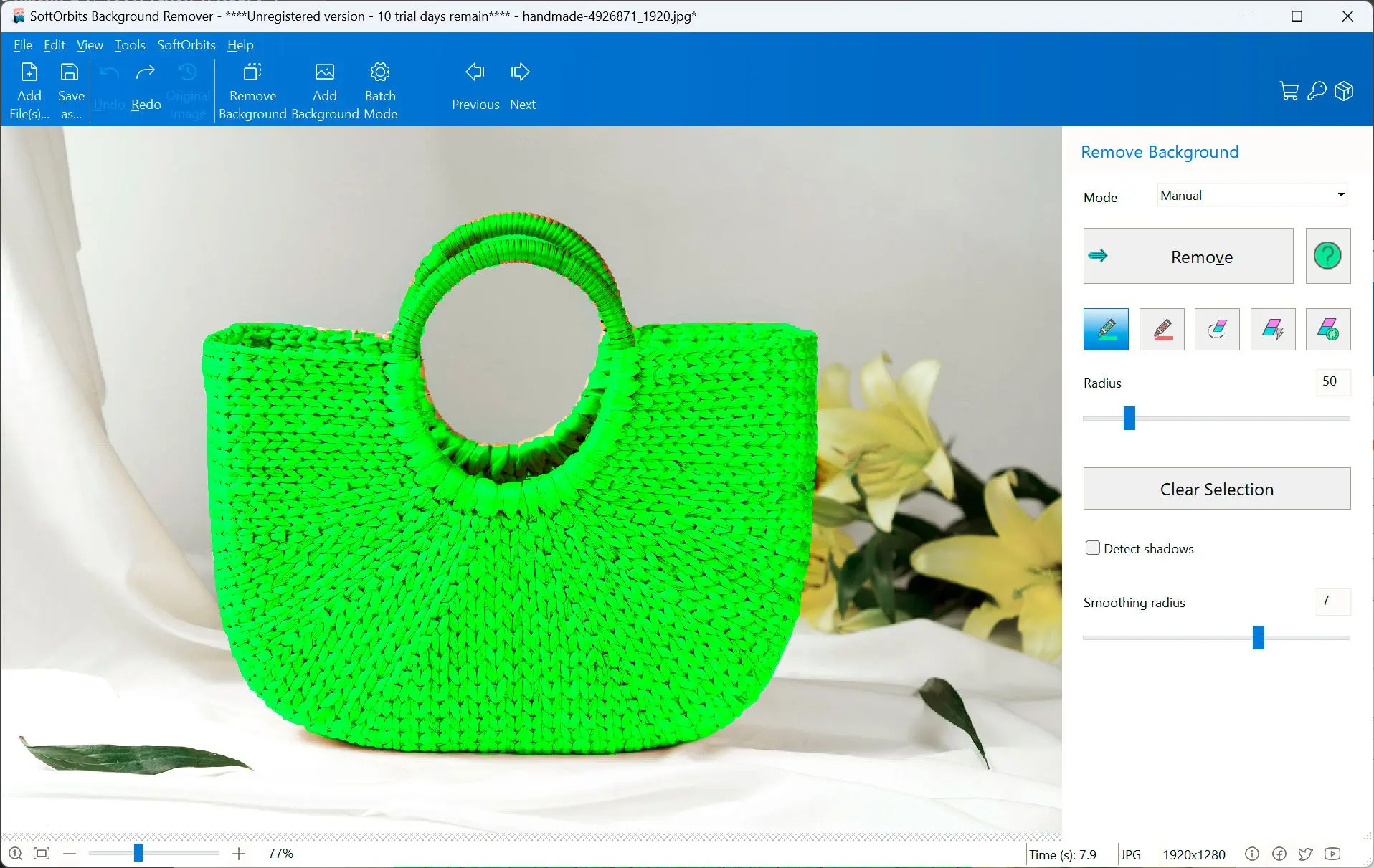
If required, use manual mode.

  • Select background with the red marker
  • Select foreground with the green marker
  • Click Remove
  • Add a new background, and switch to batch mode to clear the background from many photos at once.

Mark background and foreground areas manually.

Save the result

Photo with removed background.

Batch Mode

It can remove the background from a group of photos in Batch mode. Use the automatic background changer, and click Remove Background. Then you can choose a solid color background or any other background you want to add.
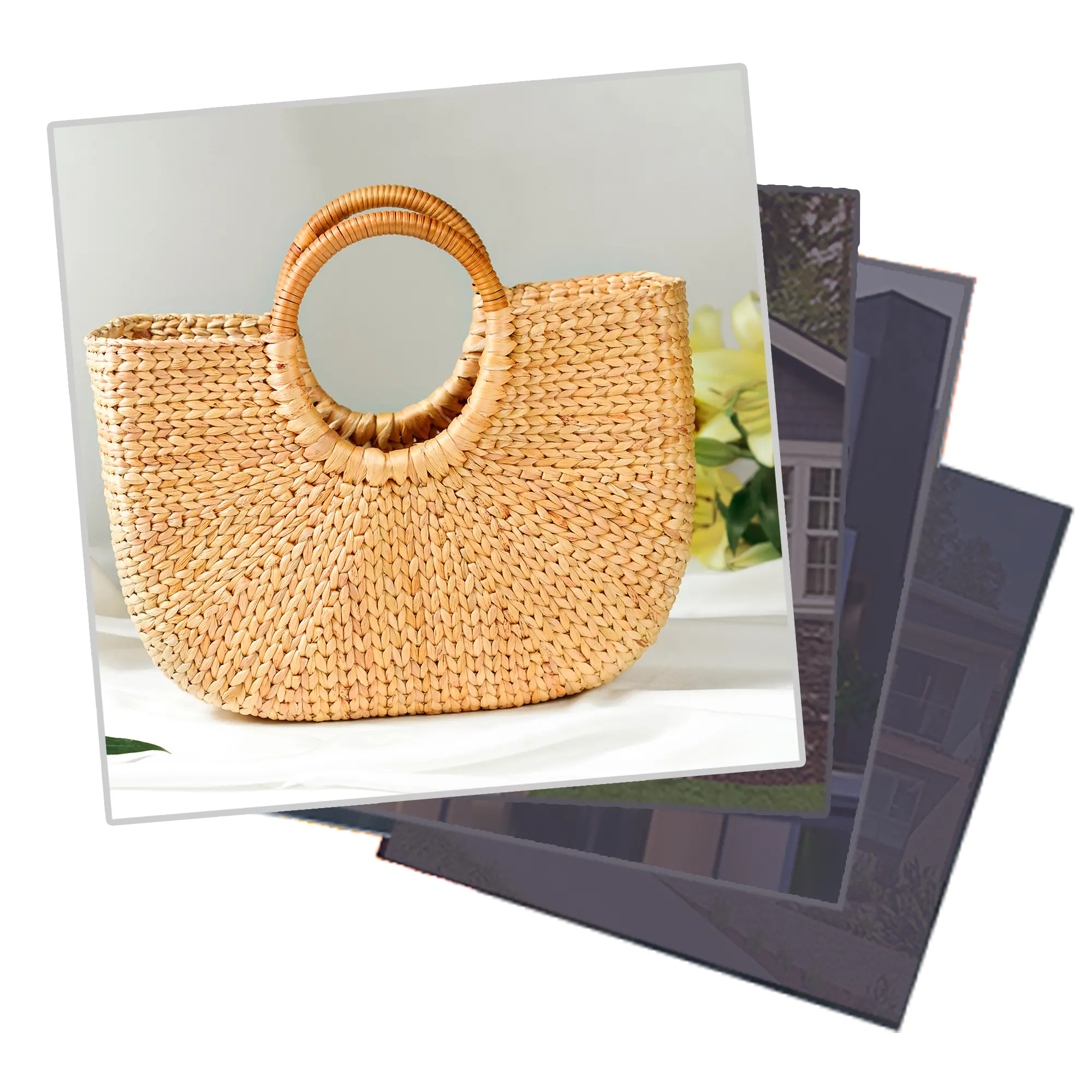
Remove background from multiple photos.
 Download for Free

Background Remover Software for PC vs. Online Tools

Online removers are handy for one quick photo, but they cap you with monthly limits and per-image credits, shrink the export, and need a connection every time. Background remover software for PC turns that around:

  • Runs offline. After setup the AI works on your own machine, so your pictures never leave the PC - safe for client work, ID shots, and product photos under an NDA.
  • No limits, full resolution. Clear the background on as many images as you want and keep every pixel, for a one-time purchase instead of a per-image credit.
  • Clean product cutouts. A shadow detector wipes the cast shadow so items sit flat on a white backdrop, ready for Amazon, eBay, or Etsy.
  • Sharp edges. Object matting holds on to fine hair and fur that one-click online tools tend to smear.

 Download for Free

Top Reasons to Download It

This program has the following features:

Program's interface is easier than Adobe Photoshop because there are no wide range of clipping paths, alpha masks, special effects, or magic wands. It is a simple process with a few clicks of the mouse and less time and effort.
Better than outsourcing
Powerful image segmentation algorithm
Removes complex backgrounds
Remove the background from GIF or PNG images
Separates the foreground and the background
Saves GIFs or PNGs with transparency
Automatic bulk clipping
Cutting out with smart edge detection
Change the background color, including transparent options
No technical skills required
Add visual watermarks to protect photos
Automatic and manual image correction for brightness, contrast, and more
Resize, crop, or rotate the photos
Works fully offline - your photos never leave your PC
Photo Background Remover

Photo Background Remover

Languages
File Size

13.5 Mb

Version

12.0

Last updated on

17/04/26

$ 19.99

🖥️ System Requirements

  • Windows 11/10/8.1/8/7 (32/64 bit)
  • Intel i3, AMD Ryzen 5 or above
  • 4 GB of RAM or above
  • NVIDIA® GeForce® series 8 and 8M, Intel® HD Graphics 2000, Quadro FX 4800, Quadro FX 5600, AMD Radeon™ R600, Mobility Radeon™ HD 4330, Mobility FirePro™ series, Radeon™ R5 M230 or higher graphics card with up-to-date drivers
  • 1280 × 768 screen resolution, 32-bit color
  • 1 GB of free hard disk space or above

🙋 Frequently Asked Questions

You can make an image transparent by using Background Removal tools pane to select the image transparency to where you want it.

Try the automatic background removal tool, or you can do it manually. Put curser on object to cutout and click it.

Yes, background eraser for pc allows users to replace the removed background with a custom one.

Chose the Automatic Background Removal Pane, choose custom background color. Click on white, and save the file.

Out tool uses object matting algorithms to make edges smooth, accurate and semitranparent.

Background remover software for PC (free download) supports all popular file formats and can make a GIF or PNG with transparency by default.

Just remove background as usual. Remove signle color backgorund in most cases easier then something more complicated

Yes. You can download the full Photo Background Remover for PC and try it free. The trial runs the same automatic and manual cutout tools. Test it on your own photos first. There is no subscription and no per-image credit, and one purchase unlocks unlimited use.

Yes. Batch mode clears or recolors the background across a whole folder in a single run. Drop in a set of 100+ product shots and the app detects the subject in each one, then exports a 32-bit PNG with transparency or a clean white backdrop. That suits marketplaces like Amazon, which want a long edge of at least 1000 px (1600 px or more recommended).

No. The app runs offline with fixed AI models that ship inside the program, so your photos are never sent anywhere and are never used to train AI. Nothing leaves your computer.

Rate Photo Background Remover

  • Windows 7
  • Windows 8
  • Windows 10
  • Windows 11
Author: SoftOrbits (English)
Avg. rating: 5 from 948 votes

Risk-free download

14-day money-back guarantee
Full refund, no questions asked
progressive-webapps/apis/offline-first Created with Sketch.
100% offline
Your files never leave your PC
Safe & secure download
Directly from the official website
No sign-up required
No account or email to get started
Trusted since 2006
Desktop software for Windows